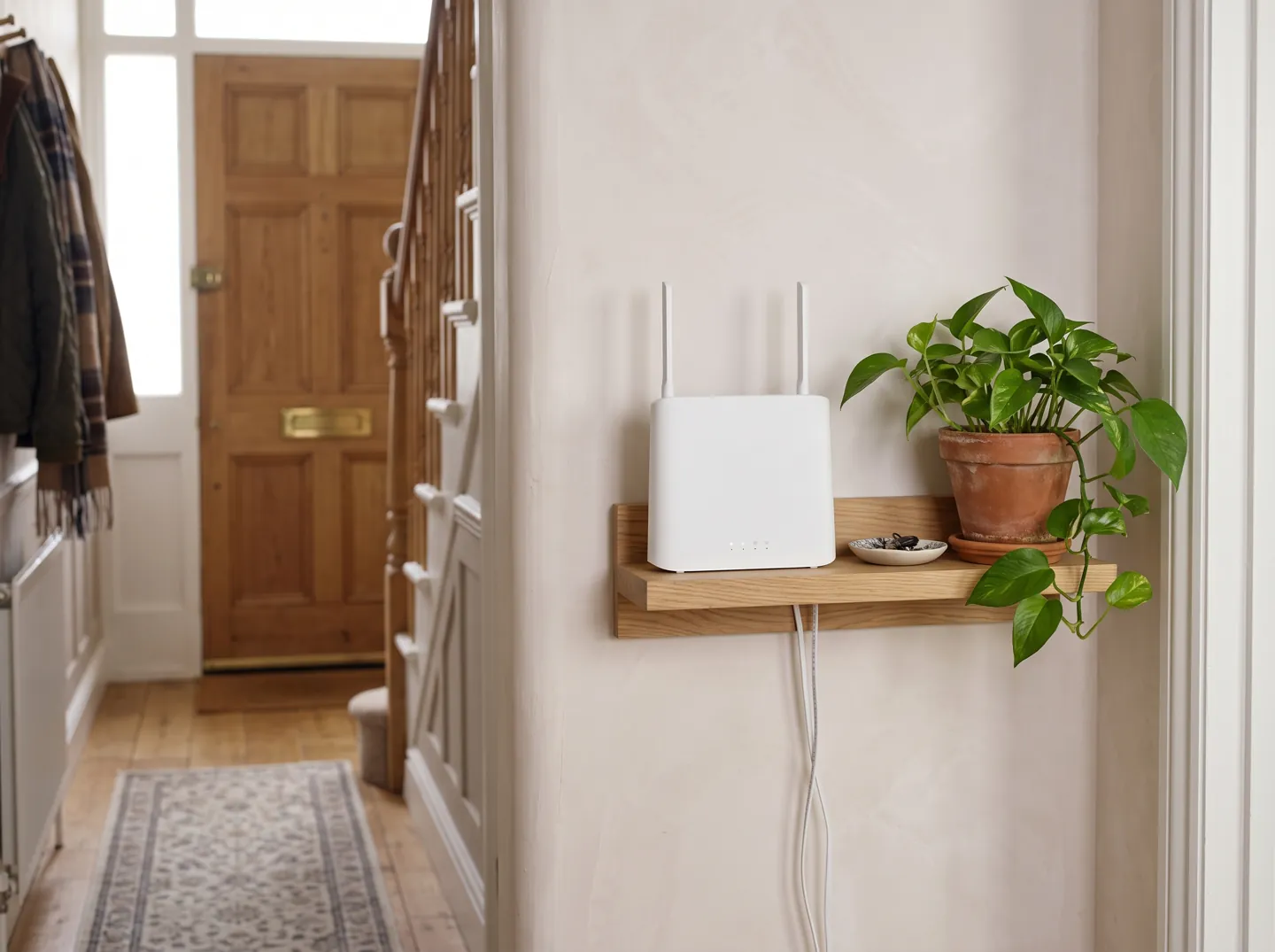
Every network in range takes turns on the same few channels.
Wi-Fi uses a listen-before-talk rule: when one device is transmitting on a channel, the others wait. With many networks close together, as in flats and terraces, that waiting adds up to buffering, lower speeds and lag.
AI-generated image, not a photograph of a real person or place.
Let the router pick the channel
Use the roomier bands
Cable what stays put
Less waiting, smoother Wi-Fi
THE SHORT ANSWER
Fewer networks per channel, less waiting.
Neighbouring networks do not steal your broadband. They share the radio channels it travels over.
SHARING
One channel, taking turns
Ofcom explains that Wi-Fi users share the same channels: while one transmits, the rest wait. It works well when few networks are near, less well when there are many.
Many routers can pick the least congested channel automatically, says Ofcom. Older routers often sit on a fixed channel, typically 1, 6 or 11 at 2.4 GHz.
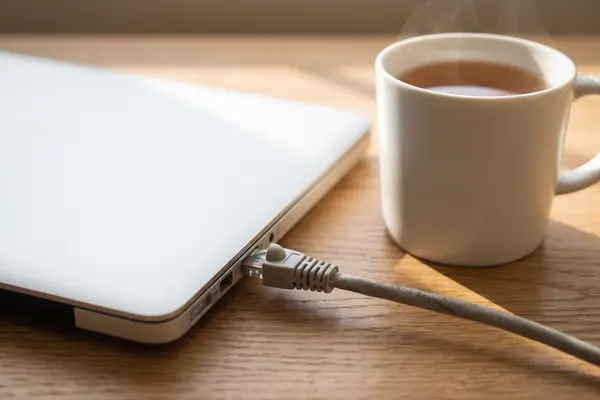
Ofcom says an Ethernet cable often gives a better connection than Wi-Fi. A desktop, games console or TV on a cable also leaves more airtime for everything else.
Pick the situation closest to yours to see what Ofcom's advice points to. The bar shows how much congestion is likely to be in play.
Based on Ofcom's consumer advice on improving wifi and its 2020 review of spectrum for Wi-Fi. General information only.
TWO NUMBERS WORTH KNOWING
Little room at 2.4 GHz, more at 6 GHz.
How much spectrum the oldest Wi-Fi band has in the UK, and how many channels the newest one added.
83 MHz
Spectrum available for Wi-Fi at 2.4 GHz in the UK
Compared with 585 MHz at 5 GHz. At 2.4 GHz, the non-overlapping channels are usually 1, 6 and 11, so many neighbours end up on the same few.
2.4 GHz BAND · OFCOM
24 channels
Non-overlapping 20 MHz channels in the lower 6 GHz band
The 500 MHz band Ofcom opened in 2020 also holds 6 channels of 80 MHz and 3 of 160 MHz, wide channels that are hard to find in crowded bands.
6 GHz BAND · OFCOM
Source: Ofcom, Improving spectrum access for Wi-Fi: spectrum use in the 5 and 6 GHz bands, consultation (January 2020), paragraphs 2.4 and 4.2.
WHAT TO TRY
Small changes that free up airtime.
None of these will make your broadband faster than the line itself: Ofcom notes your Wi-Fi can never outperform your broadband service. They help your share of the air go further.
Turn on automatic channel choice
Ofcom says many routers can automatically choose the least congested channel. If you know your router's settings page, check the feature is switched on.
Use 5 GHz, or 6 GHz if you have it
Ofcom says many devices can use non-overlapping channels at 5 GHz, and lower frequencies give better coverage but lower speeds. Newer bands only help devices that support them.
Cable the fixed devices
Ethernet often gives a better connection than Wi-Fi, says Ofcom, and fewer devices on Wi-Fi means better rates for the rest.
Move the router
Centrally, off the floor and away from microwaves, baby monitors, fairy lights and cordless phones, as Ofcom suggests.
AI-generated image, not a photograph of a real person or place.AI-generated image, not a photograph of a real person or place.
WHY IT GETS CROWDED
Wider channels, fewer of them.
Ofcom notes that an 80 MHz channel can carry up to 1 gigabit per second, but that this can fall a long way when others use the same channel. Broadband providers told Ofcom home routers are often set to 80 MHz, and that only six such channels were available at 5 GHz, five of them with extra radar-protection (DFS) rules.
Ofcom also found that many older routers use a fixed channel, so rather than spreading across the band, everyone piles onto a few. Mesh systems need an extra channel to link their units, which stakeholders expected to add to congestion.
Questions
Questions people ask
Can my neighbours' Wi-Fi slow mine down?
It can when networks share a channel. Ofcom explains that Wi-Fi devices take turns on a channel, so with many users there can be lower data rates, more latency, buffering or even lost connections.
Why are channels 1, 6 and 11 always mentioned?
They are the usual non-overlapping channels in the 2.4 GHz band, where the UK has 83 MHz for Wi-Fi. Ofcom notes many older routers sit on a fixed channel such as these, so networks pile onto them.
Is 5 GHz better than 2.4 GHz?
It has far more room: 585 MHz in the UK against 83 MHz. Ofcom says lower frequencies cover further but at lower speeds, so 2.4 GHz can still reach rooms that 5 GHz does not.
What is 6 GHz Wi-Fi?
In 2020 Ofcom opened the lower 6 GHz band (5925 to 6425 MHz) to Wi-Fi, adding 500 MHz with 24 non-overlapping 20 MHz channels. It needs a router and devices that support it.
Will a mesh system fix congestion?
Mesh improves coverage around the home, says Ofcom, but it uses several channels, including one to link its units, which stakeholders expected to increase Wi-Fi congestion.